Verified Native ComfyUI Graphs • Drag & Drop Ready
Verified MOSS-Image ComfyUI Workflows (8GB Low-VRAM & Layout)
Every workflow below has been verified on both consumer RTX 3060/4060 8GB GPUs and enterprise RTX 4090 rigs. Download the raw PNG containing embedded tEXt metadata or export pure JSON.
Zero Custom Node Dependencies Required

Drag-to-CanvasText Accuracy
⚡ Drag to ComfyUI CanvasDrag this image directly into your browser tab with ComfyUI to load full graph nodes!
1024x1024
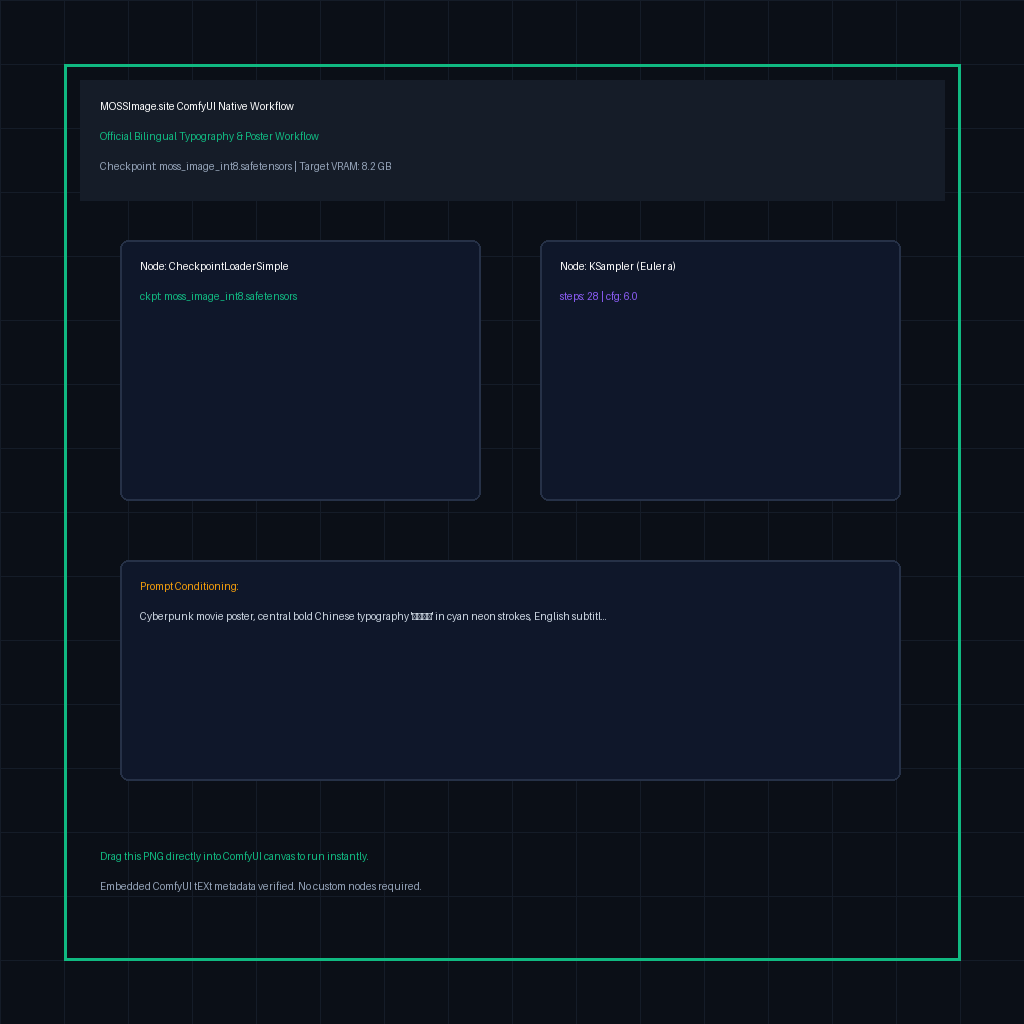

8GB RTX SafeZero OOM
⚡ Drag to ComfyUI CanvasDrag this image directly into your browser tab with ComfyUI to load full graph nodes!
1024x1024
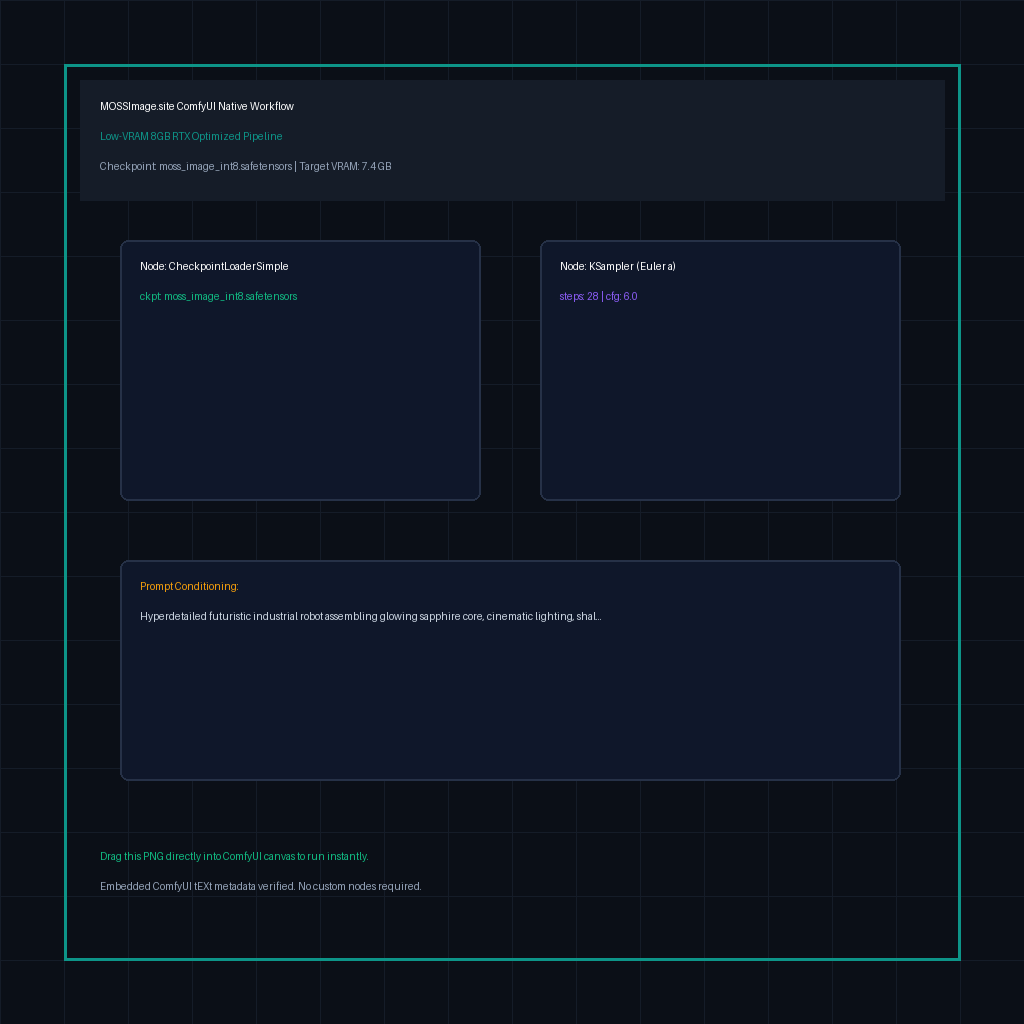

Spatial ControlLayout Node
⚡ Drag to ComfyUI CanvasDrag this image directly into your browser tab with ComfyUI to load full graph nodes!
1024x1024
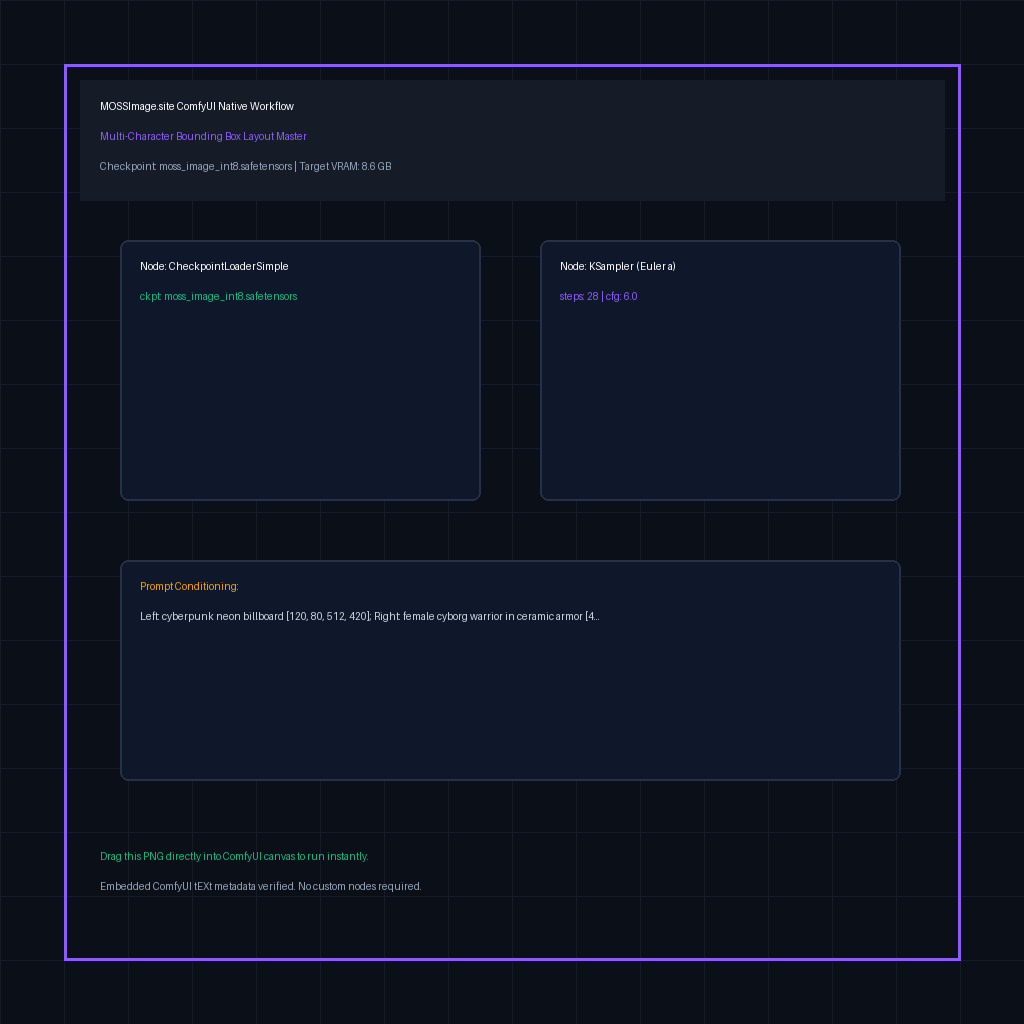

A/B ComparatorModel Compare
⚡ Drag to ComfyUI CanvasDrag this image directly into your browser tab with ComfyUI to load full graph nodes!
1024x1024
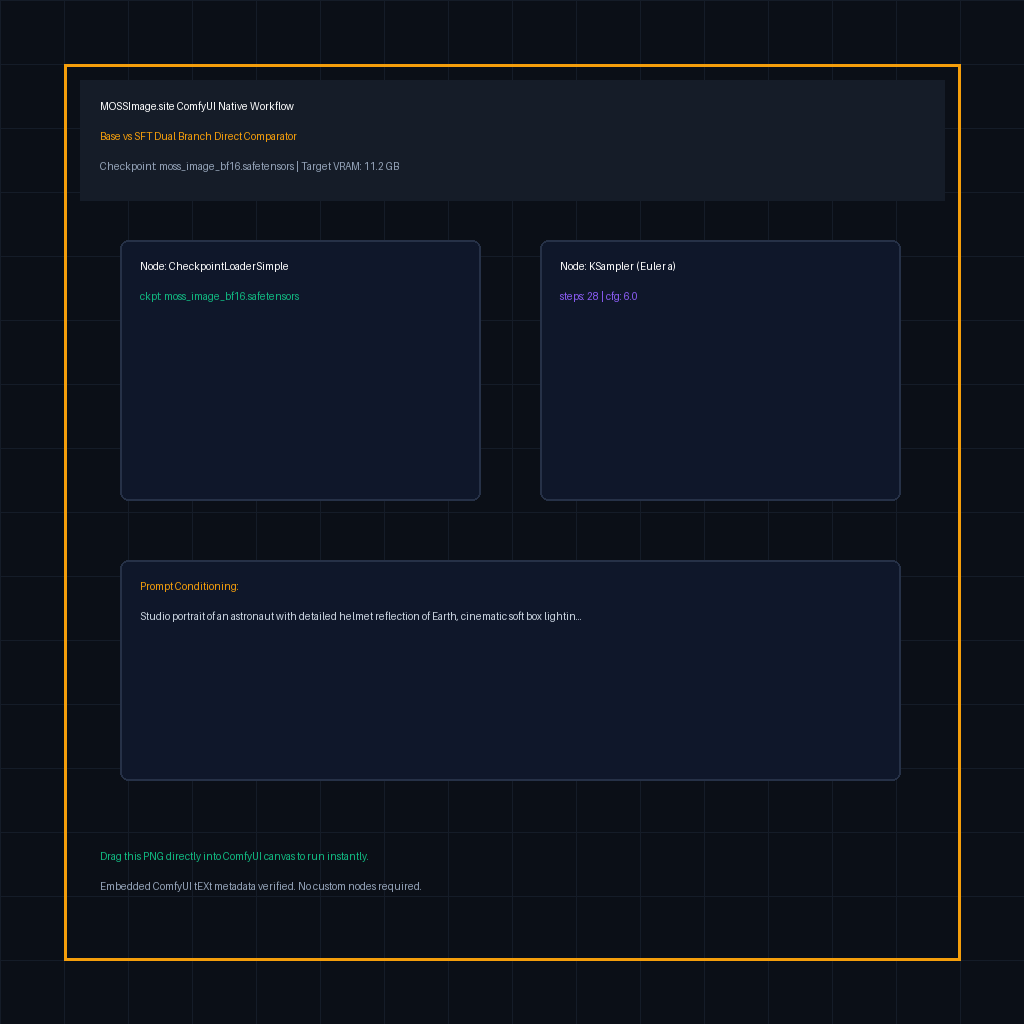
How to Drag-and-Drop Workflow PNGs Directly into ComfyUI
STEP 01
Save Raw .PNG
Click the [PNG] button on any workflow card above to download the native PNG image file.
STEP 02
Drag into ComfyUI
Open your running ComfyUI browser tab (e.g. http://127.0.0.1:8188) and drag the PNG directly onto the blank canvas.
STEP 03
Instant Graph Render
ComfyUI automatically extracts the embedded JSON metadata from the PNG tEXt chunks and renders all nodes ready to generate!
Instant Cloud DeploymentAffiliate Partner • Tested Safe
⚡ Run Any Workflow in Cloud ComfyUI
Don't want to wait 20 minutes downloading 10GB weights? Boot a remote ComfyUI session with all MOSS-Image models and workflows pre-mounted.
24GB VRAM Pre-installed SafeTensors ComfyUI 1-Click Launch